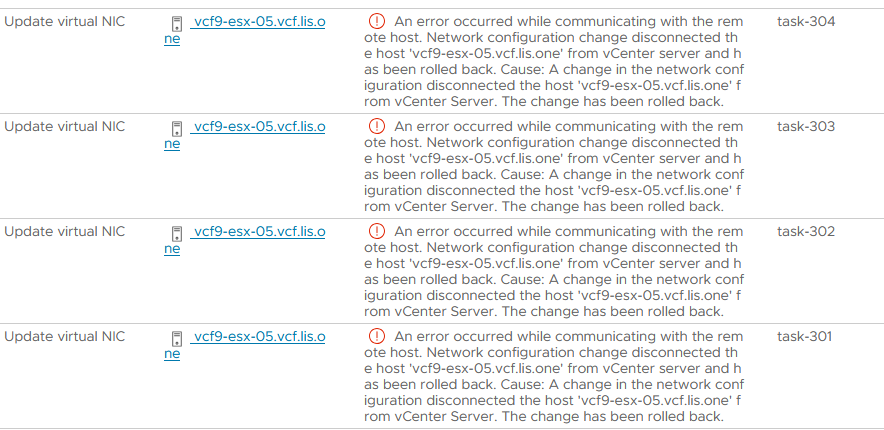
An error occurred while communicating with the remote host. Network configuration change disconnected the host ‘vcf9-esx-05.vcf.lis.one’ from vCenter server and has been rolled back. Cause: A change in the network configuration disconnected the host ‘vcf9-esx-05.vcf.lis.one’ from vCenter Server. The change has been rolled back.
or in VCF 9.1
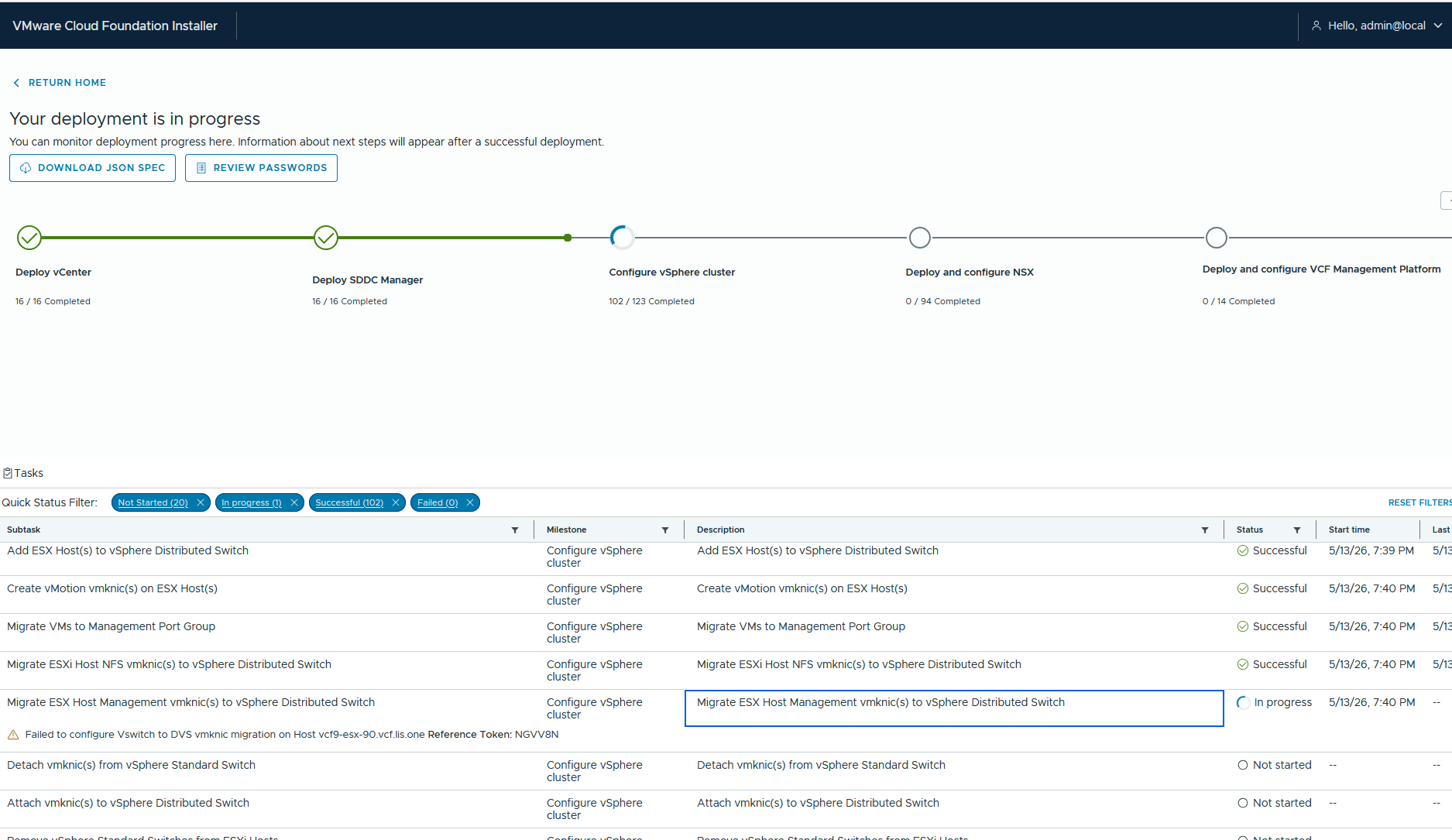
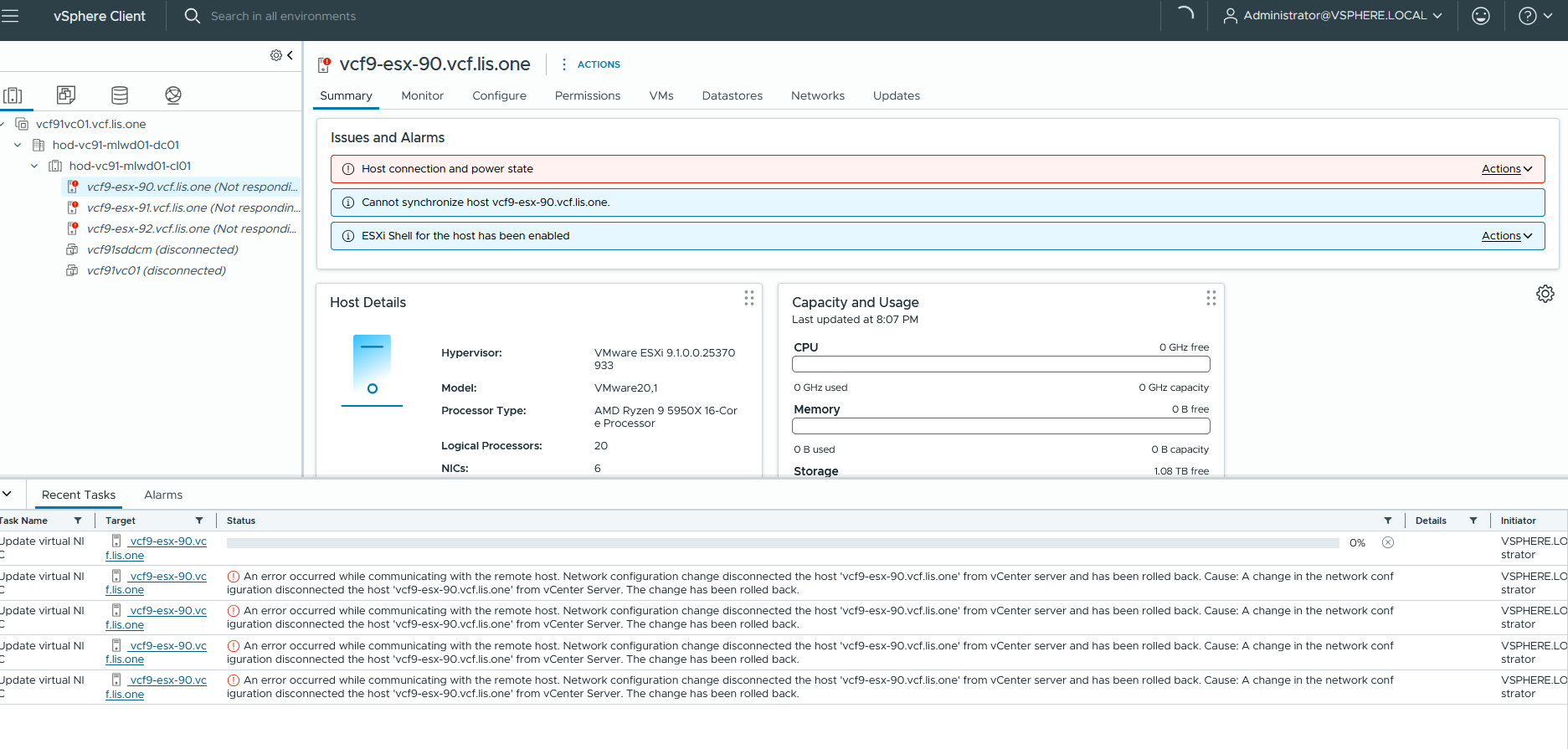
It sucks when on nested ESX Hosts the Portgroup Change (for whatever reasons) doesn’t work right? Especially if you are trying to deploy some fresh nested WLDs or deploy yourself a fresh nested VCF Fleet.

Maybe it has todo with the ESX-host still beeing responsible for attaching Portgroups? Either way, thats good for us.
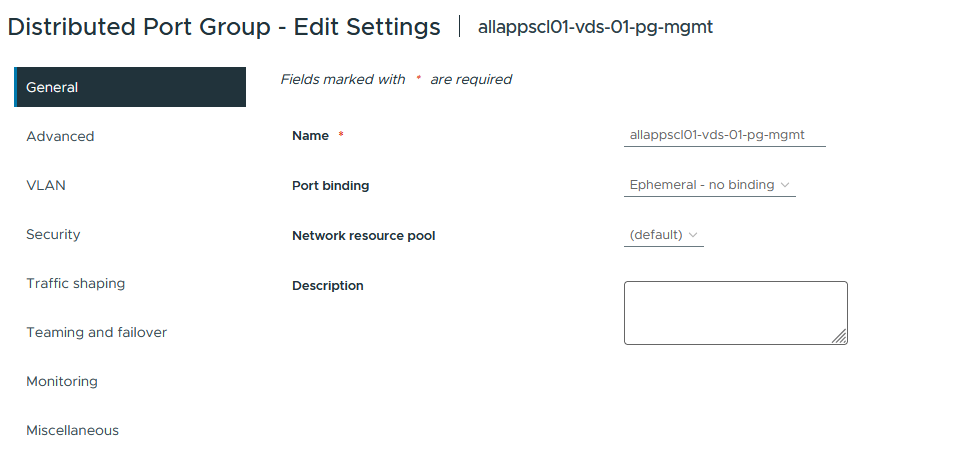
The security settings of my Trunk Portgroup that my nested ESX-Hosts are using for their vmnics in my homelab are set like this:
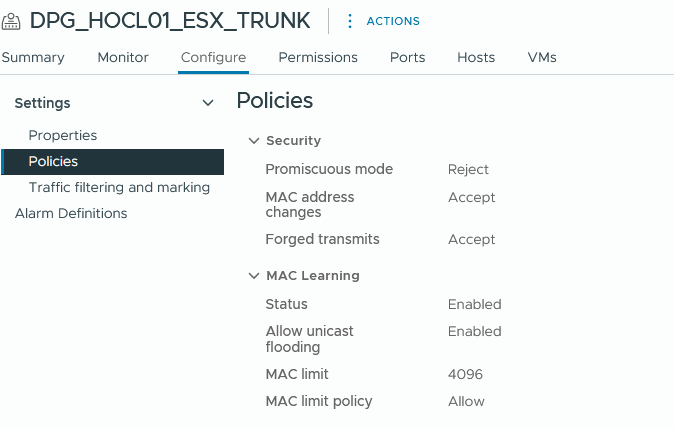
and even trying around with Promiscuous mode set to accept and disabling mac learning it wouldn’t work…
Thats where esxcli can help if even a manual migration of the vmkernels won’t help. So thats what we will need to do:
Here i already have migrated my VMKernels, but simply expect VMk0 is on the Management Portgroup of our vSwitch0.

Before we do the esxcli magic, first create a fresh empty VMKernel Adapter on our Management Portgroup. Why? We will need a Port-ID from the distributed switch 🙂
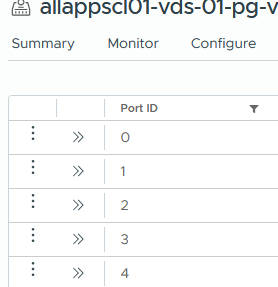
Now lets head back to your nested ESX via the VM-Console. Hit F1 and enter your root credentials.
Then you will need to issue the following commands:
esxcli network ip interface remove -i vmk0
esxcli network ip interface remove -i vmk3

esxcli network vswitch dvs vmware list | less <-- to find the port id usable from your esx-mgmt network

esxcli network ip interface add --interface-name=vmk0 --dvs-name=allapscl01-vds-01 --dvport-id=13
 esxcli network ip interface tag add --interface-name=vmk0 --tagname=Management
esxcli network ip interface ipv4 set -i vmk0 -I 10.26.10.45 -N 255.255.255.0 -t static
esxcli network ip route ipv4 add -n default -g 10.26.10.254
First we delete the management connection while we still have vmk3, because then the ESX will still have that port-id to be usable for our “new” vmk0.
So after vmk0 got deleted we remove vmk3 and then we assign a fresh vmk0 on the same dvs-port id that belonged to vmk3
With that the ESX Host should reconnect back to the vCenter with its vmk0 on the DVS and you are able to go on.
But check if vmk0 got the Management service back. In some occasions another vmk might get that service, so you will need to check that before going further with the deployment 🙂
