As announced per Mail this KB mentions that (pretty much starting with VCF 9) all releases are only downloadable by creating a Download Token.
https://knowledge.broadcom.com/external/article/390098
First login to support.broadcom.com with your user-account that has the entitlements.
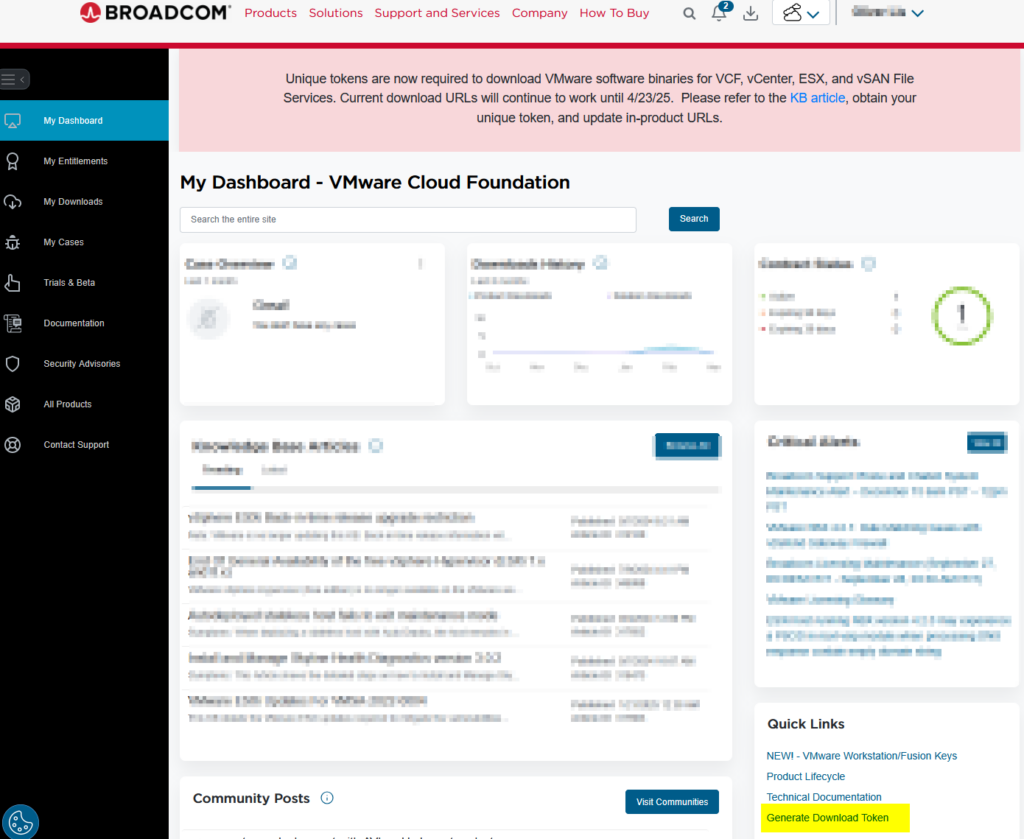
Within the Dashboard in the lower right corner, there is a bubble called “Quick Links” and there you will find the Generate Download Token Button.
by clicking on that link you then will be redirected to an overview about generated tokens along with their Site IDs.
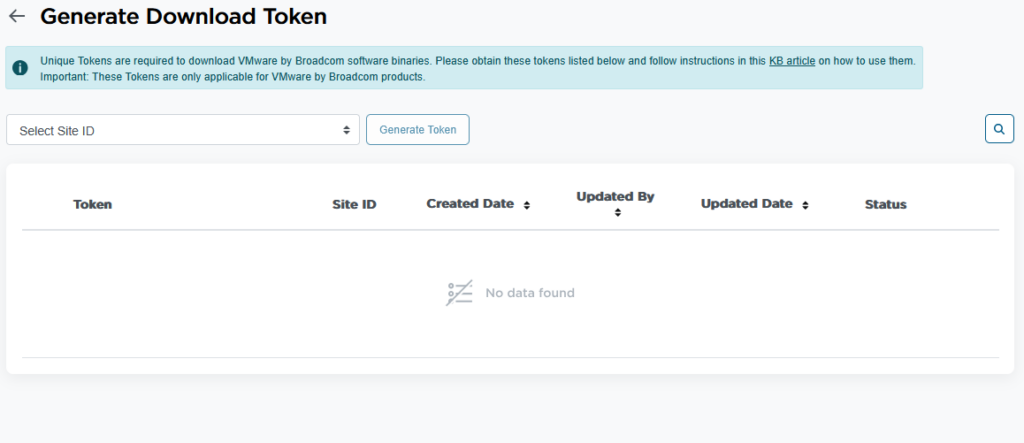
To generate a token, simply select a Site-ID and hit “Generate Token” and simply say “yes” to generate the token and after a few seconds you will see the token along with the site id and the user who created that.
Now this token can be used to leverage it in the products mentioned in this KB: